
It’s a familiar scene on a cold morning. You grab your phone, open the FordPass app, and tap the start button, expecting to hear your truck roar to life. Instead, you get silence or an error message. It’s a common frustration, and many owners find themselves asking, why is my Ford app not starting my truck? For many owners of modern Ford trucks, the FordPass app is a daily convenience, but when it fails, figuring out the cause can feel complicated. The good news is that the solution is usually straightforward.
The problem almost always falls into one of three categories: a connectivity issue, a vehicle readiness check, or a glitch with the app or your account. Think of it like sending a letter. Your phone sends the command over the internet to Ford’s servers, which then relay it through a cellular network to your truck’s built-in modem. A disruption at any point in that chain can stop the command from arriving. This guide will walk you through the most common causes and how to fix them, often without a trip to the dealer.
Understanding FordPass Remote Start Failures
When your FordPass remote start fails, it’s easy to assume the worst. But the system is designed with several checkpoints to ensure everything is working correctly and safely. The command to start your truck travels from your phone, through the internet to Ford’s servers, and finally to your truck via a cellular signal. A weak link anywhere in this chain can cause a failure. For instance, if your phone has no service, the command never leaves your hand. If your truck is parked deep in an underground garage, it can’t receive the signal.
Beyond signal issues, your truck performs its own series of safety and readiness checks. It won’t start if a door is ajar, the hood is open, or the fuel level is critically low. These aren’t malfunctions; they are intentional safeguards. The system is designed to prevent the truck from starting in an unsafe condition or running out of fuel.
Finally, the app itself or your FordPass account can be the source of the problem. An outdated app, a temporary server outage on Ford’s end, or an issue with how your vehicle is linked to your account can all prevent the remote start from working. Understanding these different potential failure points is the first step in diagnosing the issue. Most of the time, a simple check of your connections or your truck’s status is all that’s needed to get things working again.
Connectivity and Signal Problems

The journey of a remote start command is entirely dependent on clear communication. If any part of that communication chain is broken, the command gets lost. This is often the simplest explanation for a FordPass remote start failed message.
Your Phone’s Connection
The process begins with your smartphone. If you have a weak Wi-Fi signal or just one bar of cellular service, the FordPass app may struggle to send the start command to Ford’s servers. We’ve all seen it happen; you try to load a webpage in a spot with poor reception and it just hangs. The same thing happens with the app. The command gets stuck before it even begins its journey. A quick way to test this is to try using another internet-connected app. If it also fails to load, your phone’s connection is likely the culprit.
Your Truck’s Cellular Signal
Just as your phone needs a signal to send the command, your truck needs one to receive it. Every modern Ford with connected features has a built-in modem that operates on a cellular network. If your truck is parked somewhere with poor cellular reception, the command from Ford’s servers can’t reach it. Common dead zones include underground parking garages, large metal buildings, or remote rural areas far from cell towers. If you consistently have issues starting your truck in the same spot, like your work parking garage, a weak vehicle signal is a probable cause.
FordPass Server Status
Sometimes, both your phone and your truck have a perfect signal, but the remote start still fails. In these cases, the issue might be with the intermediary: the FordPass servers. Like any online service, Ford’s system can experience temporary outages or undergo maintenance. These are usually short-lived and resolved quickly. If you suspect a server issue, the best course of action is often to simply wait 15 to 30 minutes and try again. These outages are typically the reason why the app might suddenly stop working for everyone, then just as suddenly start working again.
Vehicle Readiness and Safety Checks
Even with a perfect signal from your phone to your truck, the vehicle will refuse a remote start command if it isn’t in a “ready” state. These are not system errors but are intentional safety lockouts designed to protect you, your vehicle, and those around it. Your truck runs through a quick checklist before it will agree to start remotely.
Doors, Hood, and Tailgate Status
This is one of the most common reasons for a failed remote start. For the system to engage, every single door, the hood, and the tailgate must be fully closed and latched. Even if a door looks closed, a sensor might register it as ajar. The system prevents the engine from starting to avoid a situation where the vehicle could be entered or its engine compartment accessed without your knowledge. A quick walk around the truck to firmly shut everything is often the fix.
Vehicle Lock Requirement
Before you can remote start your truck, it must be locked. This is a critical security measure. An unlocked vehicle is an invitation for theft, and the remote start system will not activate if the doors are unlocked. Always make sure you’ve pressed the lock button on your key fob or in the app before attempting to start the engine.
Fuel Level and Battery Voltage
Your Ford is smart enough to avoid stranding you. If the fuel level is too low, the remote start function is disabled. The truck’s logic is simple: it won’t risk burning the last bit of fuel just to warm up the cabin. Similarly, if the vehicle’s battery voltage is low, the system will block the remote start command. This conserves the remaining power to ensure you have enough juice to start the engine manually with the key.
The Check Engine Light
If your check engine light is on, remote start will be disabled. Period. This is a universal rule across almost all vehicles with this feature. An active fault code indicates a potential problem with the engine or emissions system. Allowing a remote start could potentially cause further damage. It’s a critical safeguard that tells you the truck needs attention, and it’s a reminder that consistent maintenance is vital for keeping your engine running for years.
App, Account, and Subscription Glitches

When both connectivity and vehicle readiness are confirmed, the next place to look is the digital side of the equation. Issues within the FordPass app, your phone’s software, or your account settings can create a frustrating barrier. This is a common area for Ford truck app troubleshooting.
Outdated FordPass App
Software developers are constantly fixing bugs and improving performance. If you’re running an old version of the FordPass app, you might be experiencing a known issue that has already been fixed in a newer update. It’s a simple but often overlooked step. Head to the Apple App Store or Google Play Store and check if an update is available. Installing the latest version can often resolve unexplained glitches and improve the app’s stability.
Phone Operating System Conflicts
It’s not just the FordPass app that needs to be current. Your phone’s operating system (iOS or Android) can also cause compatibility problems. An older OS might not work well with the newest version of the app, leading to crashes or failed commands. Ensuring your phone’s software is up to date helps eliminate potential conflicts and ensures all your apps run as intended.
Incorrect Account Linking
For the app to communicate with your truck, the vehicle must be correctly activated and linked to your FordPass account. This is usually done when you first set up the vehicle, but sometimes the connection can be lost, especially if you’ve recently had service performed or if there was a server-side hiccup. In some cases, removing the vehicle from your FordPass garage and re-adding it can re-establish the connection and solve the problem.
Connected Services Subscription Status
On newer Ford models, features like remote start are included as part of a complimentary connected services plan. While these services are often free for several years, they are still tied to a subscription. It’s worth checking your FordPass account to ensure your Connected Services plan is active. If a trial period has expired, you may need to renew it to restore functionality.
Why Does FordPass Say Remote Start Failed?
Receiving the generic “Remote Start Failed” notification can be confusing because it doesn’t tell you what went wrong. Think of this message as a simple “no” from your truck, without an explanation. The FordPass remote start failed alert means the command sequence was initiated but did not complete successfully for one of two main reasons.
First, the command reached your truck, but the vehicle actively rejected it. This happens when one of the vehicle readiness checks fails. For example, the truck received the “start” signal but replied with “no” because the hood was ajar, the battery voltage was too low, or the check engine light was on. The app doesn’t specify the exact reason, it only reports the failure. This is your cue to perform the physical checks: ensure all doors are closed, the truck is locked, and there are no warning lights on the dash.
Second, the command never reached your truck at all due to a connectivity breakdown. The signal may have been lost between your phone and the server, or between the server and your truck’s modem. This could be due to poor cell service for either you or your vehicle, or a temporary FordPass server outage. In this scenario, the app waited for a confirmation from the truck that never came, so it timed out and displayed the failure message. If you suspect a signal issue, moving the truck to a more open area or simply waiting a few minutes can often resolve it.
Why Does My Key Fob Start My Ford Truck But the App Does Not?
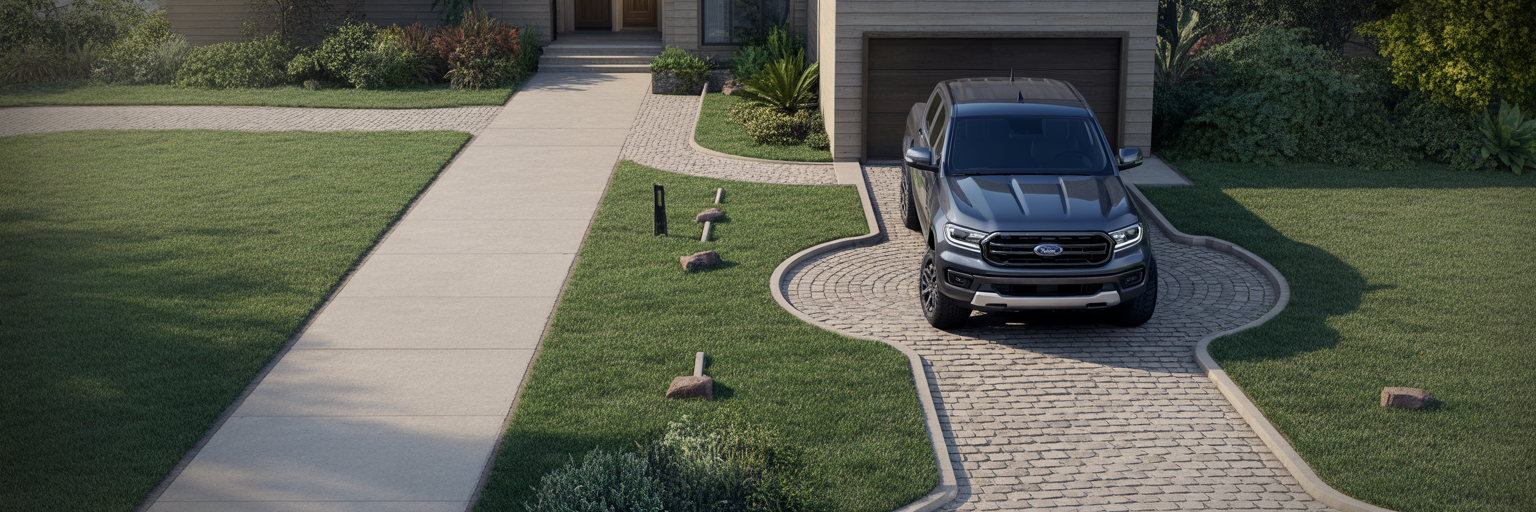
This is a very common scenario and an excellent diagnostic clue. If you can stand near your truck and successfully remote start it with your key fob, but the FordPass app fails, you have already narrowed down the problem significantly. It tells you one crucial thing: the remote start system on your truck is working perfectly.
The key fob and the app use entirely different technologies. The key fob operates on a simple, direct Radio Frequency (RF) signal. It’s like a garage door opener; it sends a command directly to a receiver in the truck over a short distance. It doesn’t need the internet, cellular networks, or any servers. It’s a closed loop between the fob in your hand and the truck in your driveway.
The FordPass app, on the other hand, relies on that complex communication chain we discussed earlier. When the fob works and the app doesn’t, it proves the issue lies somewhere within that chain. The problem is not with your truck’s engine or its core remote start hardware. Instead, the fault is with the FordPass not connecting to vehicle. This could be the app itself, your account, the Ford servers, the cellular connection to the truck’s modem, or the modem itself. This simple test provides a powerful diagnostic clue, and you can find more tips in our other informative articles.
Can a Low Battery Stop the Ford App From Starting My Truck?
Yes, absolutely. A low battery is one of the most common reasons why a Ford remote start not working command is ignored. Your truck’s electrical system is managed by a computer, often called the Body Control Module (BCM), which constantly monitors the battery’s voltage.
This system is programmed with self-preservation logic. If the battery voltage drops below a predetermined threshold, the BCM begins to shut down non-essential functions to conserve the remaining power. The goal is to ensure there is enough energy left to crank the engine when you use the key or push-button start. Remote start is considered a high-draw, non-essential feature, so it’s one of the first things to be disabled.
This is a protective measure, not a fault. It prevents a situation where warming up your truck with the app leaves you with a dead battery and unable to get to work. If your truck has been sitting for a week, or if you have an older battery, low voltage is a very likely culprit for a sudden remote start failure.
A Step-by-Step Guide to Fixing FordPass Remote Start
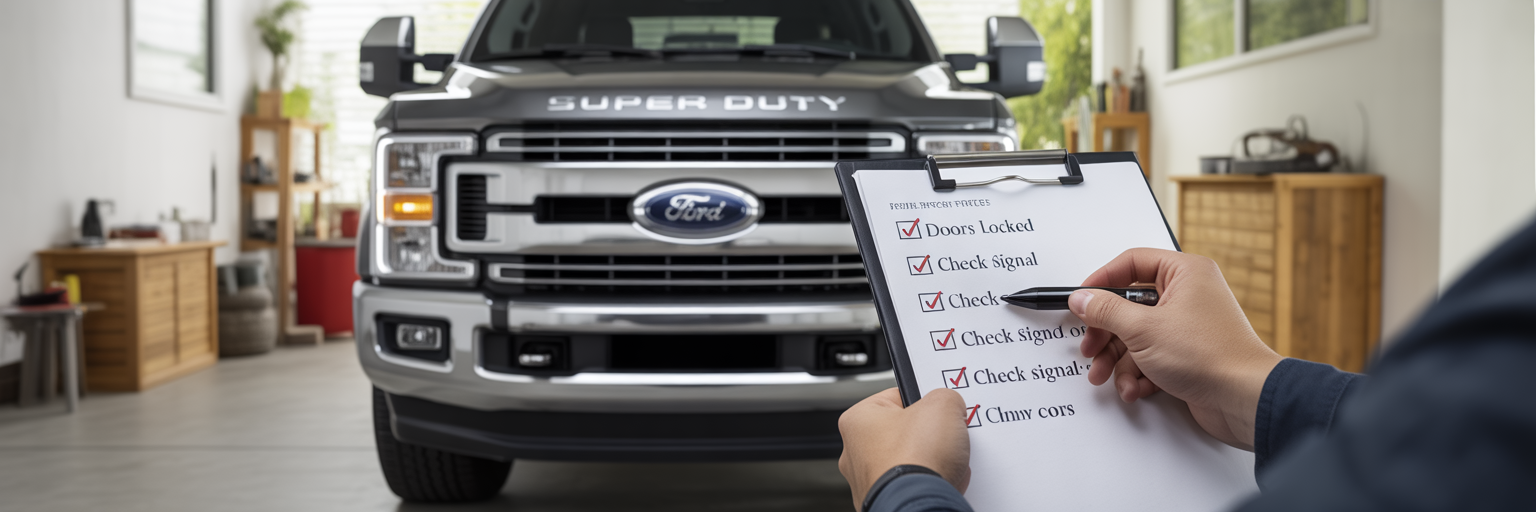
When faced with a remote start failure, follow these steps in order, starting with the simplest checks first. This checklist will help you solve the majority of Ford truck app troubleshooting issues without needing outside help.
- Perform Physical Checks: Walk around your truck. Firmly close every door, the hood, and the tailgate. Then, lock the vehicle using your key fob.
- Check Your Phone’s Connection: Look at your phone’s status bar. Do you have a solid Wi-Fi or cellular signal? Try opening a web browser to confirm your internet is working.
- Restart the FordPass App: Fully close the app, don’t just minimize it. On most phones, you swipe it away from the recent apps screen. Then, reopen it and try again.
- Restart Your Phone: A simple reboot can clear up many strange software glitches. Turn your phone completely off and then back on.
- Check for App Updates: Visit your phone’s app store (Apple App Store or Google Play) and see if there is an update available for FordPass.
- Test with the Key Fob: Stand near your truck and try the remote start button on your key fob. If this works, you know the problem is with the app’s communication path.
- Evaluate the Truck’s Location: Are you in an underground garage or a known cellular dead zone? If possible, move the truck to an open area and try again.
- Look for In-App Messages: Check the FordPass app for any specific error messages or notifications that might offer a clue, such as a low fuel warning.
- Start it Manually: If you suspect a low battery, start the truck with the key and let it run or drive it for 15-20 minutes to help charge the battery.
This table provides a quick reference for diagnosing the most common FordPass remote start issues based on the symptoms you are experiencing.
| Symptom | Likely Cause | Possible Fix |
|---|---|---|
| App shows ‘Remote Start Failed’ immediately | Poor phone signal or FordPass server outage | Check phone’s internet connection; wait 30 minutes and try again |
| Command seems to send but nothing happens | Vehicle safety check failed (door ajar, hood open) | Walk around the truck, firmly close all doors, hood, and tailgate, then lock it |
| Remote start works with key fob but not the app | App, account, or truck modem connectivity issue | Restart app/phone; move truck to an area with better cell signal |
| App hasn’t worked for several days | Low vehicle battery or active Check Engine Light | Start truck manually and drive to charge battery; have engine codes checked |
| App is slow, buggy, or crashes | Outdated app or phone operating system | Check for and install updates for the FordPass app and your phone’s OS |
When to Contact Ford Support or a Dealer
If you’ve run through the troubleshooting steps and the remote start still isn’t working, it may be time to ask for help. Knowing who to contact can save you time and frustration.
You should contact FordPass Support for issues directly related to the app or your account. This includes problems like being unable to log in, your vehicle not appearing in the app after you’ve added it, or questions about your connected services subscription. They are the experts on the software side of the equation.
A visit to your Ford dealer is necessary when the evidence points to a problem with the vehicle itself. The clearest sign is when the remote start fails with both the app and the key fob. This indicates a potential issue with the truck’s hardware. You should also see a dealer if the check engine light is on, as this requires a diagnostic scan. Finally, if you suspect a persistent battery issue or a problem with the truck’s modem (TCU), a technician can perform specific tests, check for vehicle software updates, and diagnose the root cause.
Frequently Asked Questions
Why is my FordPass app not starting my truck?
The most common reasons are a poor internet connection on your phone, the truck being in a cellular dead zone, a door or the hood not being fully closed, the truck being unlocked, or a low vehicle battery.
Why does FordPass say remote start failed?
This generic message means the command didn’t complete. It’s either because the truck rejected the command due to a safety check (like a door being ajar) or the command never reached the truck due to a signal issue.
Why does my Ford app work sometimes but not others?
Intermittent issues are almost always caused by variable signal strength. Your truck might be parked in a spot with a weaker cellular signal on some days, or Ford’s servers could be experiencing temporary high traffic or a brief outage.
Can low fuel stop FordPass remote start?
Yes. If your truck’s “distance to empty” reading is low, the system will block remote start to conserve fuel and ensure you can drive to a gas station.
Why does my key fob start my Ford but the app won’t?
This means the truck’s remote start system is working fine. The problem is in the communication chain between the app and the truck, such as a bad signal, a server issue, or an app glitch.
Does my Ford truck need cellular signal for app remote start?
Yes. The truck has a built-in modem that needs to connect to a cellular network to receive the start command from the FordPass servers.
Can a check engine light stop remote start?
Yes. If the check engine light is on, all remote start functions are automatically disabled as a safety precaution until the underlying issue is diagnosed and fixed.
How do I reset FordPass remote start?
There isn’t a single “reset” button. The best reset process is to close the app, lock the truck, ensure all doors are shut, and try again. If that fails, restarting your phone and even temporarily removing and re-adding the vehicle in the app can resolve connection issues.
Is FordPass remote start free?
For most newer Ford vehicles, remote start and other connected features are complimentary for a number of years through a Connected Services plan. You can check the status of your plan in your FordPass account. For other questions, feel free to browse our resources on Carphanatics.com.